A Practical AI Image Prompt Structure for Repeatable Results
Build AI image prompts as a clear visual brief: subject, action, setting, composition, light, materials, and constraints—without keyword soup.
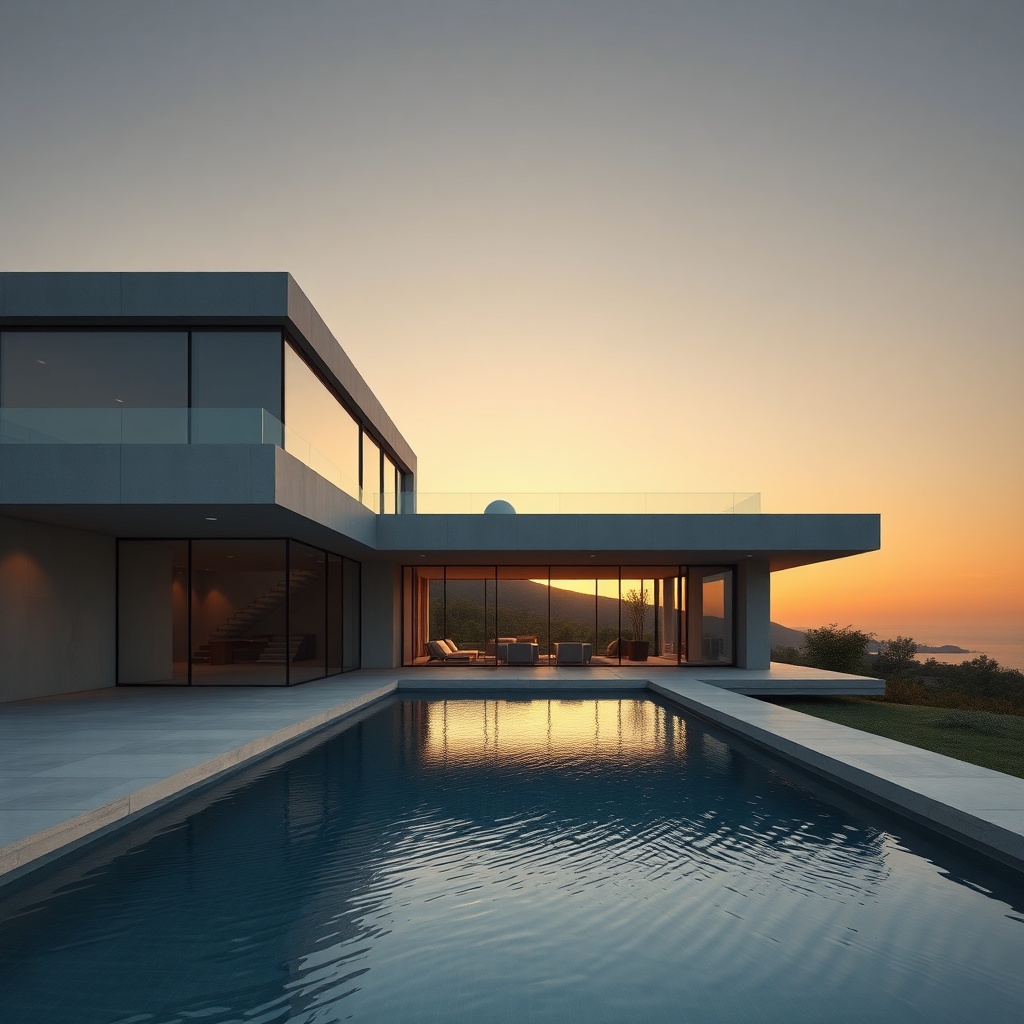
A useful image prompt is not a magic sentence. It is a compact visual brief. The generator needs enough information to decide what belongs in the frame, how the viewer sees it, and which details matter most. When those decisions are left implicit, the model fills the gaps. Sometimes that surprise is welcome; in production work it usually creates another round of guessing.
The most reliable approach is to write prompts in layers. Start with the decision that would be most expensive to get wrong, then move toward details that are easy to revise. This guide presents a reusable structure for that process. It works for concept art, product scenes, editorial illustrations, thumbnails, and most other single-image jobs.
The seven-part prompt structure
Use this order as a starting template:
Subject + action + setting + composition + light + visual treatment + constraints
The order is not a law. It is a way to make your thinking visible. Each part answers a different production question.
1. Subject: what must be present?
Name the primary subject with concrete nouns before adding style. “A bicycle” is less useful than “a matte-black commuter bicycle with a front basket and tan sidewall tires.” The second version identifies features that affect silhouette, materials, and color.
Avoid packing the subject clause with adjectives that do not change the image. Words such as “amazing,” “beautiful,” and “stunning” communicate enthusiasm but not a visual decision. Replace them with observable properties: brushed aluminum, translucent paper, chipped enamel, oversized sleeves, or a narrow brim.
If several objects are important, state their relationship. “A cup and a book” allows many arrangements. “An open paperback beside a steaming ceramic cup, with the cup partly overlapping the lower-right corner of the book” gives the model a spatial problem it can solve.
2. Action: what is happening?
An action turns a catalogue object into a moment. It may be literal—running, pouring, folding—or subtle, such as looking over a shoulder or catching a moving curtain. Use one dominant action where possible. Several unrelated actions compete for attention and often produce confused anatomy or props.
For still-life work, describe the physical state instead: condensation forming on the bottle, crumbs scattered around a broken biscuit, or fabric draped over the edge of a table. These details imply time and cause without forcing a human pose.
3. Setting: where does the scene exist?
Setting includes the location, era, weather, and background elements that establish context. “In a kitchen” leaves dozens of visual choices unresolved. “In a compact 1970s apartment kitchen with walnut cabinets, cream tile, and a rainy window” provides a coherent environment.
Choose background details that support the subject rather than documenting the entire room. A hero product may need a restrained studio sweep. An editorial scene may benefit from contextual objects. If the background must stay clean, say what should remain empty: “uncluttered upper-left area for a headline.”
4. Composition: where does everything sit in the frame?
Composition is the part many prompts omit, even though it determines whether an image can be used. Specify:
- framing: extreme close-up, waist-up portrait, full body, wide establishing shot;
- viewpoint: eye level, overhead, low angle, isometric, three-quarter view;
- subject placement: centered, left third, lower third, symmetrical;
- camera relationship: intimate, distant, compressed, expansive;
- intended crop or aspect ratio.
Think about the final placement before generating. A newsletter header needs different negative space from a square profile image. If you need copy beside the subject, reserve that area in the prompt instead of hoping a later crop will create it.
Camera terminology can help when it describes a visible effect. “Long-lens compression with a soft background” is clearer than listing a camera body that does not materially change the scene. Use technical terms to communicate an image property, not to decorate the prompt.
5. Light: what shapes the subject?
Light determines form, mood, and material readability. A compact lighting clause can include direction, source size, contrast, and color:
Soft window light from camera left, gentle fill from the front, restrained contrast, neutral white balance.
“Cinematic lighting” is too broad by itself. It might mean a hard backlight, a warm practical lamp, colored haze, or simply high contrast. Describe the behavior you actually want. For products, explain how highlights should reveal the surface. For faces, identify whether shadows should be soft or sculpted.
Do not ask for incompatible light without explaining the relationship. Midday sun and soft overcast light cannot dominate the same exterior. One can appear as a secondary reflected source, but the prompt should make that hierarchy clear.
6. Visual treatment: how should it be rendered?
Treatment covers medium, texture, palette, and degree of realism. Prefer a small coherent set of attributes:
- editorial gouache illustration, visible dry-brush texture;
- clean 3D render, rounded geometry, matte materials;
- natural documentary photograph, restrained color;
- two-color risograph print, coarse halftone and slight misregistration.
Avoid long strings of artist names or fashionable style words. They can pull the result in conflicting directions and make it harder to diagnose why an image worked. Describing the visible traits also gives you a brief that can be shared with a human designer without depending on a proprietary label.
7. Constraints: what must not drift?
Constraints are acceptance criteria, not a dumping ground for every possible failure. Include only requirements that matter to the deliverable:
- one person, both hands visible;
- exactly three packages;
- no logos or existing brand marks;
- plain background with no readable text;
- keep the reference product shape and label colors;
- leave the top quarter free of important details.
Positive wording is often easier to verify than a long negative list. “A clean table holding only the lamp” is more specific than “no clutter, no plants, no books, no cables.” If a prohibition is legally or operationally important, state it directly and inspect the output rather than assuming the prompt is a guarantee.
A worked example
Weak prompt:
A cool ad for running shoes, cinematic, professional, 8K.
Structured prompt:
A cobalt-blue trail running shoe kicking through a shallow puddle on a dark forest path at dawn; side view, shoe on the right third, droplets frozen in motion, open negative space on the left for a headline; low soft light through mist with a narrow warm rim on the sole; realistic commercial photography, crisp rubber and wet fabric texture, restrained blue-gray palette; one shoe, no logo, no lettering, 16:9.
The second prompt is not better because it is longer. It is better because each phrase answers a production question. You can also revise it selectively. If the client wants a brighter image, change the lighting clause without rewriting the subject or composition.
Iterate by changing one layer
When a result is close, do not replace the whole prompt. Identify the first layer that failed:
- Wrong object or attributes: revise the subject.
- Confusing pose or moment: simplify the action.
- Distracting environment: reduce the setting.
- Unusable crop: rewrite composition and negative space.
- Flat or harsh form: change the lighting relationship.
- Inconsistent look: narrow the treatment.
- Missing requirement: add one testable constraint.
Save the prompt and the accepted image together. That pair is more valuable than a standalone “prompt library,” because it shows what the words produced under a particular model and date. Models change; a visible reference lets you judge whether a later result is still on brief.
A pre-generation checklist
Before you generate, read the prompt once as an art director:
- Can someone identify the main subject in the first clause?
- Is there one dominant action or physical state?
- Does the setting support rather than compete?
- Is the intended crop and negative space explicit?
- Does the lighting describe direction and softness?
- Are medium and palette coherent?
- Are constraints observable in the output?
Then generate a small set, compare it against the checklist, and revise the brief—not your standards. You can test this structure in the BananaLite image generator and keep the clauses in a note beside the final asset.
Sources and further reading
- W3C Images Tutorial: informative image text alternatives — useful when deciding what visual information is essential enough to describe.
- Nielsen Norman Group on visual hierarchy — a practical explanation of how arrangement and emphasis guide attention.
- Library of Congress recommended formats for still images — a durable reference for thinking about final image formats and preservation.
The best prompt is not the one with the most keywords. It is the shortest brief that makes the important visual decisions explicit and gives you a clear basis for review.